 dev dev
Your store never sleeps, so why should your busy work stay manual? Picture this: an order arrives at 3 a.m., stock updates on its own, the customer gets a receipt, and your supplier receives the shipping details. Now picture the same night with a broken workflow. The customer pays, but the order never reaches your warehouse. By morning, you face an angry buyer and a refund request. That gap between the dream and the disaster is where many store owners lose money. E-commerce automation can save you hours every week, but a poor setup creates more work than it removes.
In this guide, you will learn what e-commerce automation does, which mistakes hurt online stores the most, and how to fix each one. You will also see how to pick the right tools, when to call an expert, and how to test your workflows before they cost you sales.
What Is E-commerce Automation?
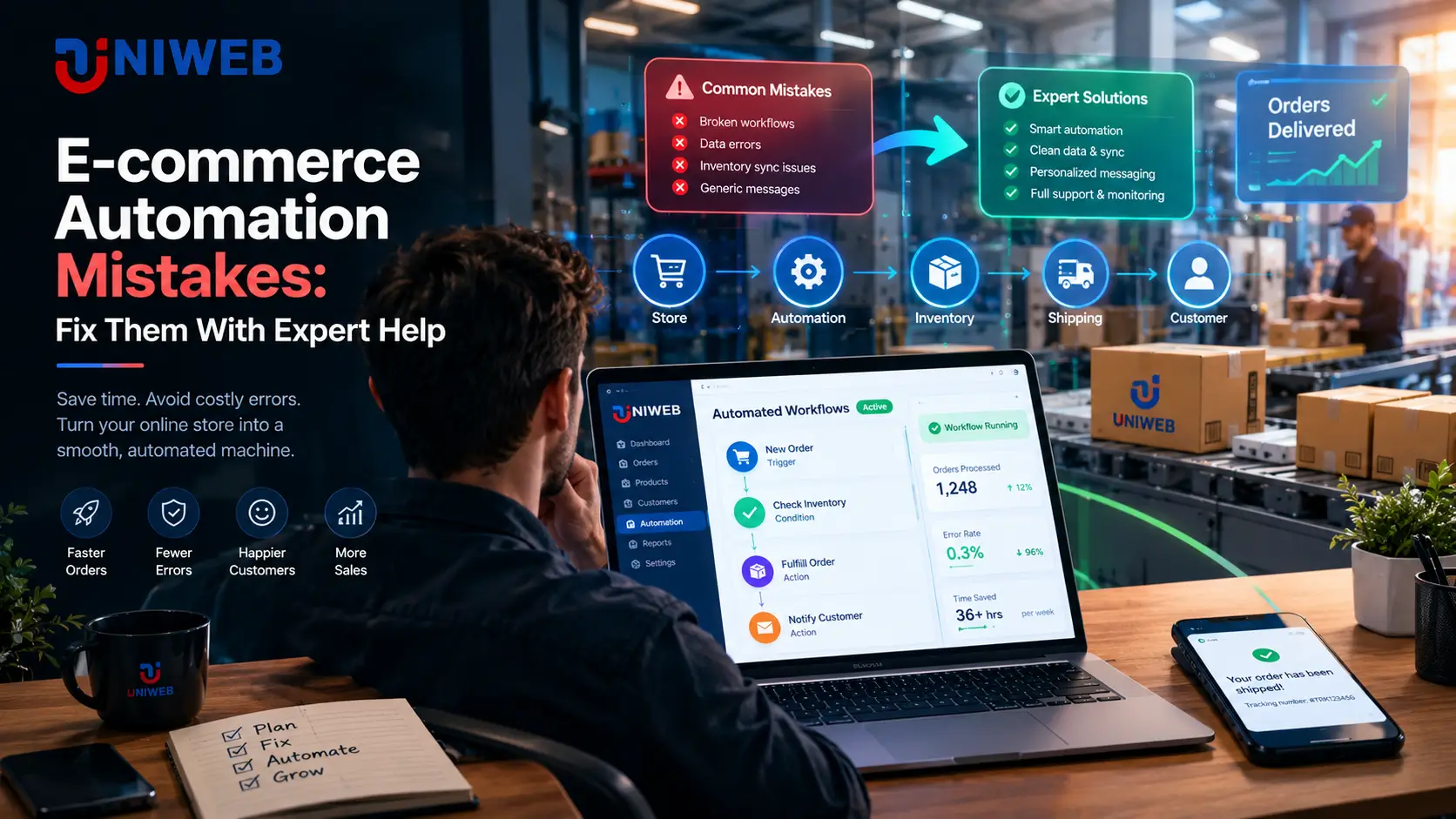
E-commerce automation means using software to handle repeat tasks in your online store without manual effort. A trigger starts the workflow, such as a new order. The system then runs a set of actions, such as updating inventory, sending an email, and alerting the shipping team. You can think of it as a set of “if this, then that” rules that run all day. The goal is simple: fewer clicks, fewer errors, and faster service. If you want the bigger picture, read our guide on what AI automation is.
How E-commerce Automation Works Behind the Scenes
Every workflow has three parts: a trigger, a condition, and an action. A trigger is the event that starts the process, like a payment. A condition checks a rule, like whether the item is in stock. An action is the result, like sending a confirmation message.
Tools such as Zapier, Make, and n8n connect your store with other apps through APIs. Your store platform, whether Shopify or WooCommerce, sends data to these tools. The tools then pass that data to your email service, CRM, or shipping partner.
Tasks You Can Automate in an Online Store
Most stores start with the tasks that eat the most time. These include order processing, inventory updates, customer support replies, email campaigns, abandoned cart recovery, shipping alerts, and customer data syncing. Each task follows the same trigger-and-action logic, so you can build them one by one.
Why Online Stores Use E-commerce Automation Today
Customers expect fast replies, quick shipping, and clear updates. A small team cannot meet those demands by hand once orders grow. Automation lets you keep service quality high without hiring someone for every new task.
Benefits You Can Expect
A good setup saves time, cuts human errors, and speeds up order handling. Strong e-commerce automation also improves the customer experience, because buyers get updates at every step. Your team then spends its energy on strategy, product choices, and customer care instead of copying data between tabs.
Limits You Should Know
Automation does not replace people. It cannot judge a tricky complaint, spot a new trend, or set your pricing strategy. Even strong e-commerce automation needs regular checks, because a rule that worked last year may fail after a platform update. Smart owners treat automation as a tool, not a magic switch.
Common E-commerce Automation Mistakes That Cost You Sales
Most e-commerce automation failures come from rushed planning, not weak tools. The sections below show the mistakes experts see most often, why each one hurts, and how to fix it.
Mistake 1: Automating Without a Clear Plan
Many owners buy a tool first and think about the process later. This leads to messy workflows with no clear goal. Start by writing down each step of your current process. Mark the steps that repeat, take time, or cause errors. Automate those first.
Mistake 2: Automating a Broken Process
If your manual process is confusing, e-commerce automation makes the confusion faster. A vague return policy, unclear stock rules, or messy product data will cause the same problems at higher speed. Fix the process on paper first, then build the workflow.
Mistake 3: Automating Everything at Once
Big launches break stores. When you switch on ten workflows in one week, you cannot tell which one caused a problem. Launch one workflow at a time, test it for a few days, and then move to the next.
Mistake 4: Ignoring Data Quality
Automation trusts your data. If product titles, SKUs, or customer emails contain errors, the workflow spreads those errors everywhere. Clean your product catalog, remove duplicates, and set clear naming rules before you connect any tools.
Mistake 5: Sending Cold, Generic Messages
Automated emails that ignore customer behavior feel like spam. A buyer who just paid should not get a “Come back and buy” message. Segment your audience by actions, such as first purchase, repeat purchase, or cart abandonment, and write a message for each group.
Mistake 6: Removing the Human Touch Completely
Some customers need a real person. A chatbot that loops without solving the problem drives buyers away. Give every customer a clear path to a human agent for refunds, damaged items, and payment issues.
Mistake 7: Skipping Testing and Monitoring
Many owners build a workflow, see one successful test, and walk away. Real life is messier. Test different cases, such as out-of-stock items, discount codes, international addresses, and failed payments. Then set up alerts so you know the moment a workflow fails.
Mistake 8: Weak Inventory Sync Across Channels
Selling on Shopify, Amazon, and your own site without a proper sync leads to overselling. A customer buys an item that no longer exists, and you must cancel the order. That hurts trust and ratings. Use real-time inventory sync and test it with live stock changes.
Mistake 9: Overlooking Security and Payment Safety
Workflows move customer names, addresses, and payment details between apps. A careless connection can leak data. Use secure API keys, limit access by role, and never store card details in a spreadsheet. Run a security test before launch to catch weak spots early.
Mistake 10: Choosing Tools Based on Price Alone
The cheapest tool often lacks features you need six months later. Check how each tool handles higher order volume, error alerts, and platform updates before you commit.
Quick Summary of Mistakes and Fixes
The table below sums up each mistake, its effect on your store, and the fastest fix.
| Mistake | What Goes Wrong | Quick Fix |
|---|---|---|
| No clear plan | Messy workflows with no goal | Map your process before you build |
| Broken process | Errors happen faster | Fix the process on paper first |
| Too much at once | You cannot find the cause of problems | Launch one workflow at a time |
| Poor data quality | Wrong prices, SKUs, and emails spread | Clean your catalog and customer list |
| Generic messages | Customers ignore or unsubscribe | Segment by customer behavior |
| No human option | Frustrated buyers leave | Add a clear path to a live agent |
| No testing | Failures reach real customers | Test edge cases and set alerts |
| Weak inventory sync | Overselling and cancelled orders | Use real-time sync across channels |
| Weak security | Data leaks and trust loss | Use secure keys and role-based access |
| Price-only tool choice | Limits appear as you grow | Compare features, scale, and support |
How to Fix E-commerce Automation Mistakes Step by Step
Fixing a broken setup takes a calm and clear method. Follow the steps below in order.
Step 1: Audit Your Current Workflows
List every workflow you run today. Note who built it, what it does, and when it last ran without errors. You will probably find old rules that nobody uses anymore. Turn those off first.
Step 2: Find the Weak Points
Review your refund requests, support tickets, and shipping complaints. Trace each problem back to the workflow behind it. Patterns appear fast. For example, repeated overselling points to your inventory sync, while repeated wrong-address complaints point to your checkout data.
Step 3: Rebuild and Test in Small Parts
Fix one workflow at a time in a test setup. Run sample orders through it. Check every step, every email, and every data field. Only then push the change to your live store.
Step 4: Monitor After Launch
Check your logs daily for the first week, then weekly. Set alerts for failed steps so problems reach you before they reach your customers.
Which Tasks to Automate First and Which to Keep Manual
Not every task deserves automation. Start with simple, repeat tasks that follow clear rules, and keep tasks that need judgment in human hands. The table below shows a safe starting order for e-commerce automation.
| Task | Automate? | Reason |
|---|---|---|
| Order confirmation emails | Yes | Simple, repeat, and rule-based |
| Inventory updates | Yes | Needs speed and accuracy |
| Shipping and tracking alerts | Yes | Customers expect instant updates |
| Abandoned cart reminders | Yes | Follows a clear trigger |
| Product description drafts | Partly | Needs human review for tone and facts |
| Large refund approvals | Partly | Needs a human check for fraud |
| Customer complaints | Keep manual | Needs empathy and judgment |
| Pricing strategy | Keep manual | Needs market knowledge |
A good rule is to ask one question: would a smart new employee make the same decision every time? If yes, automate it. If no, keep it manual.
Choosing the Right Tools for E-commerce Automation
The right tool depends on your store size, your platform, and your order volume. A wrong choice leads to rework, so compare your options before you build anything.
No-Code Tools vs. Custom Development
No-code tools like Zapier and Make let you build workflows with drag-and-drop screens. They work well for small stores that need quick results. Custom development gives you full control, which suits stores with complex rules, many channels, or high order volume.
| Option | Best For | Main Strength | Main Drawback |
|---|---|---|---|
| Zapier or Make | Small stores | Fast setup, no coding | Costs rise as volume grows |
| n8n | Growing stores | Flexible, strong control | Needs technical skill |
| Custom development | Large or complex stores | Full control and scale | Higher upfront cost |
Platform-Specific Needs
Shopify stores often use apps and built-in flows. WooCommerce stores rely on plugins and webhooks. Amazon sellers need syncing for orders, pricing, and shipment tracking. Drop-shipping stores need supplier connections that forward orders and update tracking numbers on their own. Choose tools that fit your platform, not tools that only look popular.
When to Hire an Expert for E-commerce Automation
You can build simple workflows yourself. Still, some situations call for a professional. Calling an expert early often costs less than fixing a mess later. If your problems sit in hosting or deployment, read our guide on when to hire a DevOps engineer.
Signs You Need Expert Help
You need help if workflows fail often, if you sell on several channels, if you need custom logic, or if you handle sensitive customer data. You also need help if you lack the time to test and monitor. Every hour you spend fixing a broken flow is an hour you do not spend growing your store.
In-House vs Freelancer vs Agency
Each option fits a different stage of growth. The table below compares them.
| Option | Best For | Pros | Cons |
|---|---|---|---|
| In-house team | Large stores with steady needs | Full control, deep product knowledge | High salary and training cost |
| Freelancer | Small, one-time tasks | Low cost, quick start | Limited backup and support |
| Agency | Growing stores with complex needs | Team of skills, testing, ongoing support | Costs more than a freelancer |
How Our Team Helps With E-commerce Automation

At Uni Web Solutions, we have built websites and software since 2012. Our team designs e-commerce automation services for Shopify, WooCommerce, Amazon sellers, and drop-shipping businesses. We start with an audit of your current setup, find the weak spots, and build clean workflows with tools like n8n, Zapier, and Make.
Our work covers automated order processing, real-time inventory sync, AI chatbot support, email and marketing flows, CRM integration, multi-channel connections, and checkout automation. We test every workflow with real scenarios before launch, and we monitor results after it goes live. If you already have a broken setup, we fix it. If you start from zero, we build it right the first time.
Expert Tips for Safe E-commerce Automation
Experts follow a few habits that keep systems healthy. Name every workflow clearly so anyone can understand it. Write short notes on what each one does. Keep a manual backup plan for the day a tool goes down. Review all workflows every quarter, because platforms change often.
Metrics to Track
Track order accuracy, time spent per order, first-response time, cart recovery rate, refund rate, and error rate. If these numbers improve, your setup works. If they stay flat or get worse, return to your audit.
Frequently Asked Questions
What is e-commerce automation?
E-commerce automation is the use of software to run repeat store tasks, such as order processing, inventory updates, and customer emails, without manual work.
What are the most common e-commerce automation mistakes?
The biggest ones are automating without a plan, automating a broken process, launching too much at once, using poor data, and skipping tests.
Can I automate my whole online store?
No. You can automate repeat tasks, but you still need people for strategy, complaints, and tricky decisions.
Which tools work best for e-commerce automation?
Zapier, Make, and n8n are popular choices for connecting apps, and Shopify and WooCommerce also offer built-in options. The best tool depends on your store size, platform, and budget.
How long does it take to set up e-commerce automation?
A simple workflow can take a few days, while a multi-channel setup with custom rules may take several weeks. Testing adds time, but it saves money later.
Is e-commerce automation safe for small stores?
Yes, when you use secure connections, limit access, and test every workflow. Small stores often gain the most because automation frees the owner’s time.
When should I hire an expert?
Hire help when workflows keep failing, you sell on many channels, you need custom logic, or you lack time to test and monitor.
Conclusion
E-commerce automation rewards careful planning. The biggest mistakes, such as skipping a plan, automating a messy process, ignoring data quality, and skipping tests, all come from rushing. Slow down at the start, and you save money for years.
Start small, test each workflow, track your numbers, and keep a human option for complex cases. When the setup grows too complex to manage alone, bring in a team that builds and tests these systems every day. A smart approach to e-commerce automation turns repeat work into a quiet engine that runs your store while you focus on growth. If you want help fixing a broken workflow or building a new one, our team at Uni Web Solutions is ready to review your store and suggest the right plan.